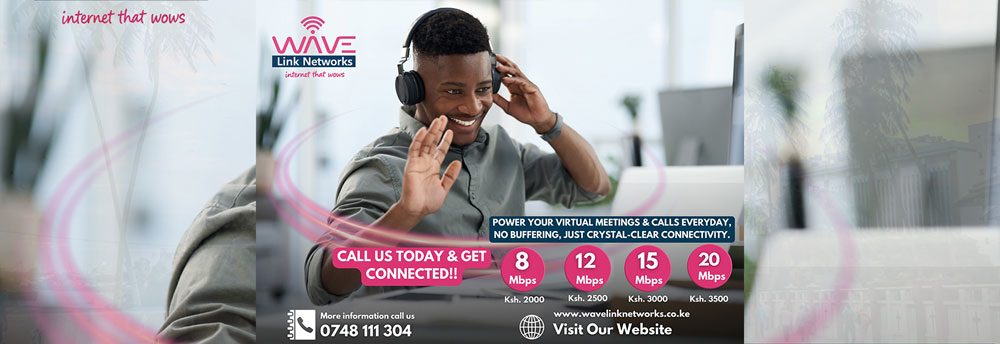
WiFi in Nairobi CBD often feels slow during peak hours because of heavy network congestion, shared bandwidth, and high‑density interference in the central business district. For Wavelink Networks customers, the issue is usually not your subscription speed alone, but how many users and devices are competing on the same local network and building infrastructure at busy times.
What causes slowdowns in CBD peak hours
In Nairobi CBD, peak usage typically runs from about 9:00 AM to 6:00 PM and again in the evening, when offices, shops, and nearby residents all come online at once. This creates a “digital rush hour” where routers, access points, and ISP nodes become overloaded, leading to higher latency, buffering, and slower web‑browsing speeds, even if your plan is advertised as high‑speed fiber‑backed WiFi. In estates and office buildings, the same underlying connection is split among many tenants, so total bandwidth per user drops sharply once everyone starts streaming, video‑conferencing, or uploading files.
Common WiFi and router‑side bottlenecks
Even if Wavelink’s backbone is stable, your local WiFi can still feel sluggish due to: too many devices connected at the same time, weak signal strength, outdated routers, or interference from nearby APs and electronic equipment. In Nairobi CBD, buildings with thick concrete walls, metal structures, and multiple overlapping Wi‑Fi networks make signal quality worse, especially on older 2.4 GHz band‑only routers. Background apps, automatic updates, and cloud backups also silently consume bandwidth during peak hours, further reducing the speed available for browsing, video calls, or downloads.
How Wavelink helps reduce peak‑time slowdowns
Wavelink Networks designs its fiber‑backed wireless networks with higher‑capacity access points and better load‑balancing to minimize congestion in busy Nairobi areas like CBD. Where available, they deploy dual‑band routers and QoS‑enabled equipment that can prioritize business‑critical traffic such as video conferencing or cloud‑based POS systems over less urgent background data. For businesses and apartments in high‑density CBD buildings, upgrading to a higher‑speed Wavelink plan, adding access points, or using wired Ethernet for critical devices can significantly improve stability during peak hours.
Simple steps to improve your CBD WiFi
To keep your WiFi faster during peak hours in Nairobi CBD, try a few practical steps: move your router or access point to a central, elevated, and unobstructed location; switch to the 5 GHz band where supported; limit the number of connected devices or schedule heavy downloads for off‑peak times; and ensure your router is relatively modern and not overheating. If slowdowns persist, contact Wavelink’s support team to check your line stats, node congestion, and whether you are on the best‑suited plan for your CBD usage profile. With congestion‑aware planning and the right hardware, WiFi can stay responsive even when the CBD network is at its busiest.