Nairobi malls offer convenient public WiFi powered by providers like Wavelink Networks LTD, but connection failures frustrate shoppers trying to browse, stream, or work on the go. Common culprits include captive portals, device glitches, and peak-hour congestion in high-traffic spots like Two Rivers or Garden City.
Top Connection Failure Reasons
Public WiFi in Nairobi malls often requires a login page (captive portal) that doesn’t load if your browser caches old data or VPNs interfere. Devices may show “connected, no internet” due to weak signals from mall crowds or interference from thick walls and microwaves nearby. Outdated device drivers or antivirus software block unsecured networks, while network overload during evenings hits speeds hard.
Step-by-Step Troubleshooting Fixes
Start by toggling WiFi off/on to refresh your device’s scan—simple but fixes 50% of sticky connections in public spots. Forget the network in settings (iOS: Settings > WiFi > Tap ‘i’ > Forget; Android: Settings > Network > Forget), then reconnect and open a browser to trigger the login splash page from Wavelink or mall providers. Restart your device fully to clear temporary glitches, and disable VPNs or firewalls that flag public networks as risky.
Test signal strength with free apps like WiFi Analyzer to spot dead zones common in multi-level malls. Switch to 5GHz band if available for less interference, though 2.4GHz offers better range through obstacles. Flush DNS cache via commands (Windows: ipconfig /flushdns; Mac: sudo dscacheutil -flushcache) if sites won’t load post-login.
For persistent issues, run a speed test on mobile data first to rule out outages—Wavelink monitors Nairobi networks for fiber cuts or maintenance. Update your device’s OS and WiFi drivers, as old firmware fails on modern hotspots.
Wavelink Networks LTD Solutions for Reliable Access
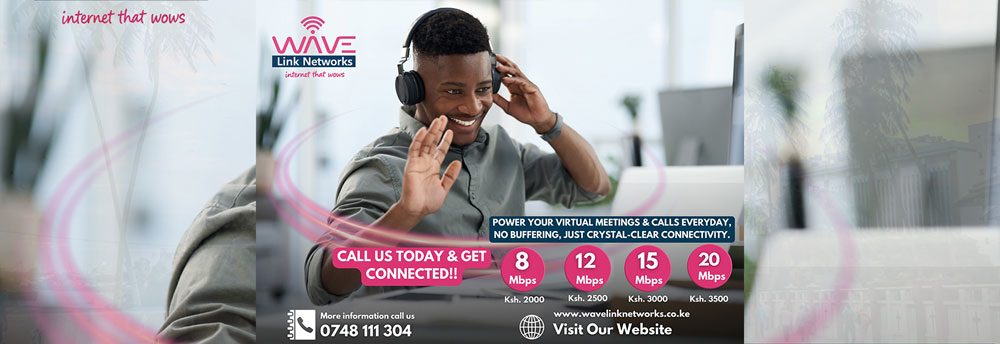
As a leading Nairobi ISP, Wavelink Networks LTD installs robust WiFi in malls, homes, and businesses, ensuring seamless coverage with fiber backhaul. Their troubleshooting emphasizes restarts and portal checks, resolving most public WiFi woes without support tickets. Opt for their high-speed plans (from KSh 1,500/month) as backups, featuring 24/7 monitoring and same-day fixes for urban congestion.
Contact Wavelink at 0748 111 304 or info@wavelinknetworks.co.ke for mall-specific audits—they handle everything from extenders to QoS prioritization. Enable auto-connect wisely, but use VPN post-login for security on open networks.
Advanced Tips for Frequent Mall-Goers
Position yourself centrally under access points, avoiding elevators or food courts where signals fade. Limit connected devices by pausing background apps, and use Ethernet adapters for laptops if ports available. For chronic failures, Wavelink’s mesh systems eliminate dead zones in large spaces. Regular firmware updates via their portal prevent compatibility issues across iOS, Android, and Windows.
Peak Nairobi mall traffic (weekends, 5-8 PM) spikes demand—schedule usage or pair with mobile data. Wavelink’s unlimited plans dodge throttling, ideal for streaming or work. These steps restore access fast, minimizing downtime in bustling hubs.