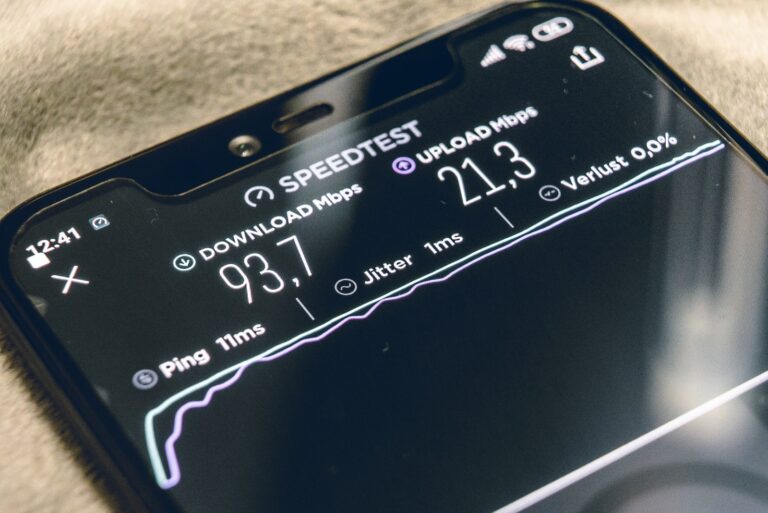
Your network was perfect when it was installed — three years and fifty new users ago. Wavelink Networks LTD provides network upgrade and expansion services in Nairobi and across Kenya, helping organizations scale their connectivity safely, without starting from zero.
When It's Time to Upgrade
Networks rarely announce their limits — they simply get gradually worse. Watch for these signs:
- Internet feels slower as headcount has grown
- Wi-Fi struggles at peak occupancy, despite decent internet speeds
- New applications (CCTV, VoIP, cloud ERP) need more capacity
- Aging equipment is out of support or fails repeatedly
- You are adding a branch, a new building, or a new floor
- Security requirements have outgrown your current architecture
Wavelink insight: The cheapest upgrade is often the one you plan. Replacing equipment in a designed sequence — core first, edge later, with configurations migrated and tested — costs far less than an emergency rebuild after a critical failure.
Our Upgrade and Expansion Services
1. Assessment and Design
We audit your current network, document what works, model your growth, and design the target architecture. You receive a phased plan with clear costs, so upgrades can proceed as budget allows.
2. Capacity Upgrades
- Faster internet circuits and CPE replacements
- Switch upgrades (e.g., moving to gigabit or multi-gigabit)
- Router and firewall replacement with current-generation security
- Wi-Fi refresh: modern access points, better placement, mesh where needed
3. Physical Expansion
- New office blocks, floors, and branch connectivity
- Structured cabling for new workstations and server rooms
- Outdoor links, point-to-point bridges, and PtMP expansion for distant buildings
- Racks, patch panels, and clean power for growing server rooms
4. Migration Planning
Upgrades must not break the business. We schedule cutovers outside working hours, back up every configuration, test in parallel where possible, and maintain rollback plans. Your staff should notice improvements — not outages.
5. Post-Upgrade Verification
Every project ends with documented acceptance: speed tests, coverage surveys, failover tests, and updated network diagrams.
Upgrade Path Example
| Phase | Scope | Typical Outcome |
|---|---|---|
| Phase 1 | Core switch + firewall replacement | Stable foundation, modern security |
| Phase 2 | Wi-Fi refresh across the site | Full coverage, higher concurrent capacity |
| Phase 3 | Internet circuit upgrade + load balancing | More bandwidth, redundancy |
| Phase 4 | New branch / building integration | One coherent, monitored network |
Who We Upgrade
- Offices outgrowing their original setup
- Hotels adding floors, conference capacity, or smart-room systems
- Schools expanding labs, hostels, and e-learning platforms
- Retailers adding branches across counties
- ISPs scaling subscriber bases and backhaul
- Factories adding IoT, sensors, and surveillance
Why Wavelink Networks LTD?
We design upgrades that respect your existing investment — keeping what works, replacing what limits you, and phasing costs sensibly. And because we are based in Nairobi, the team that designed your upgrade is the team that supports it afterward.
Frequently Asked Questions
Can we upgrade in phases as budget allows? Yes — and we recommend it. Our phased designs let you sequence spending (core first, then Wi-Fi, then links, then expansion) so each phase delivers value on its own.
Do you buy back or trade in old equipment? Not directly, but we document what is reusable, redeploy working gear to less critical roles, and dispose of e-waste responsibly.
How do you avoid downtime during cutovers? Evening/weekend change windows, full configuration backups, parallel running where possible, tested rollback plans, and verification checklists before sign-off.
Will new equipment work with our current ISP? Yes. We design upgrades around your existing circuits and confirm compatibility — including plans for when you later upgrade the links themselves.
Do you offer warranties? Yes — equipment carries manufacturer warranty, and our workmanship is warranted as well. Combined with optional managed support, your upgrade keeps someone accountable long after installation day.
How long does an upgrade project take? Single-site refreshes typically complete within one to two weeks including planning; multi-branch and campus projects are delivered against a written schedule with agreed downtime windows. We keep your business running throughout, and we leave every phase documented, tested, and supported.
What if we do not know what we need? That is what the assessment is for. Most clients begin with a survey and a phased proposal — you decide the pace, and each phase stands on its own merits.
Contact us to plan your next network upgrade or expansion.